EDIT: There actually is an option in settings; I just didn't see it and thus did...
iam-py-test :transgender_flag: :neocat_flag_lesbian: @iampytest1@infosec.exchange
EDIT: There actually is an option in settings; I just didn't see it and thus didn't have it turned off. Thanks to @yoasif for pointing this out. Sorry for the error.
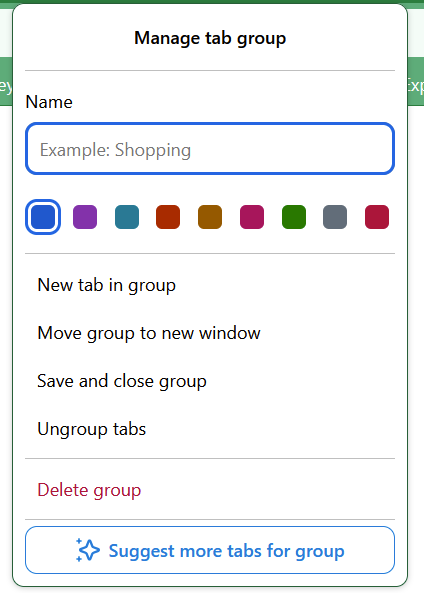
Firefox added a feature some time recently which shows the option to use AI to suggest tabs to add to a tab group.
I don't use tab groups, so I only discovered this today when I accidentally created one.
The setting to get rid of it is browser.tabs.groups.smart.enabled
Turning off all the AI stuff in settings does nothing; you have to go into about:config