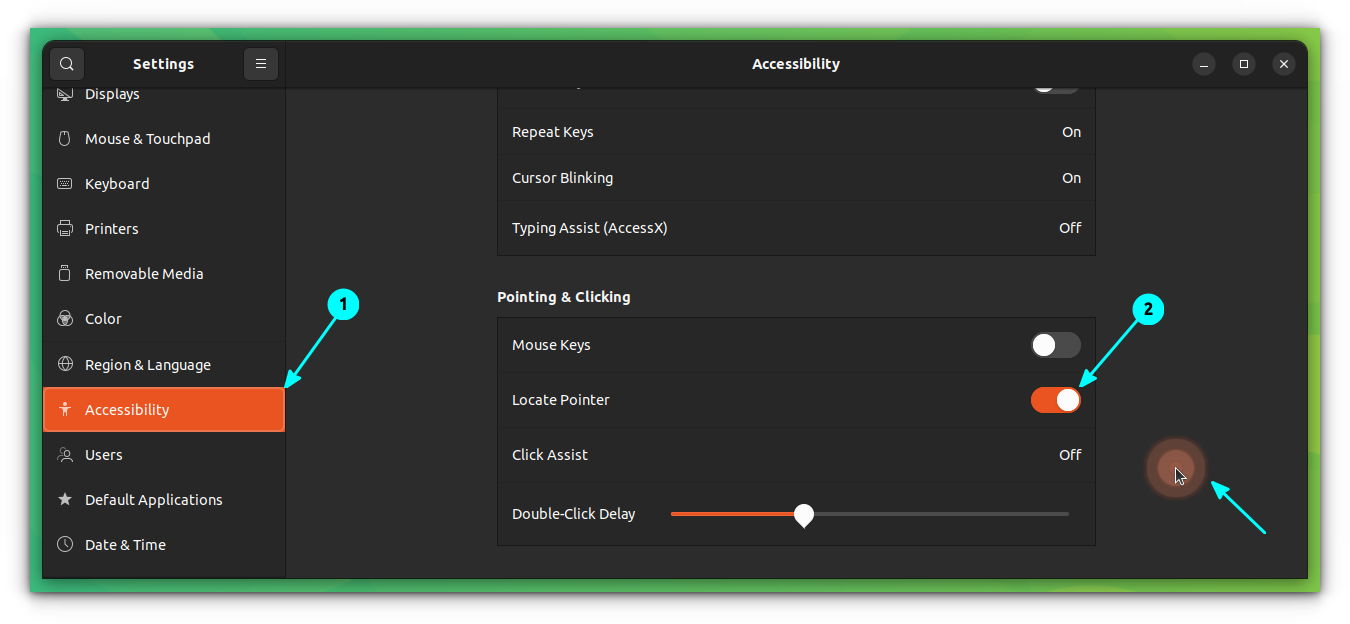
Quick Ubuntu Tip 💡 Lost sight of the mouse pointer? Go to Settings → Accessibil...
It's FOSS @itsfoss@mastodon.social
Quick Ubuntu Tip 💡
Lost sight of the mouse pointer?
Go to Settings → Accessibility → Pointing and Clicking, then turn on “Locate Pointer.” Press the Left Control key whenever you want an animation to reveal the pointer's location.