Quick GNOME Tip 💡 Stop a held key from typing the same character repeatedly. In...
It's FOSS @itsfoss@mastodon.social
Quick GNOME Tip 💡
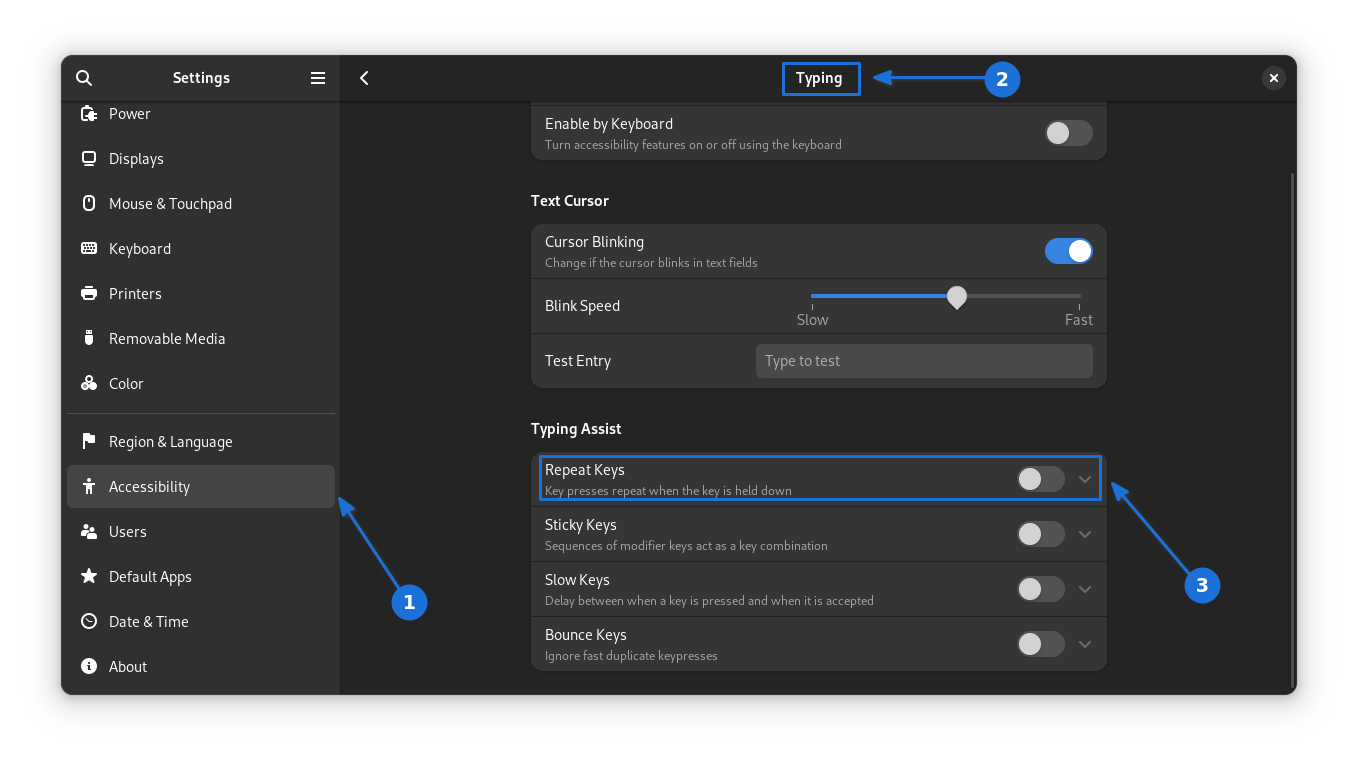
Stop a held key from typing the same character repeatedly.
In Settings, go to Accessibility > Typing > Type Assist, then turn off the repeat key option. Now, holding down a character key will insert it only once.