Did you know that on macOS, you can update just to Safari 26, while remaining on...
Jen Simmons @jensimmons@front-end.social
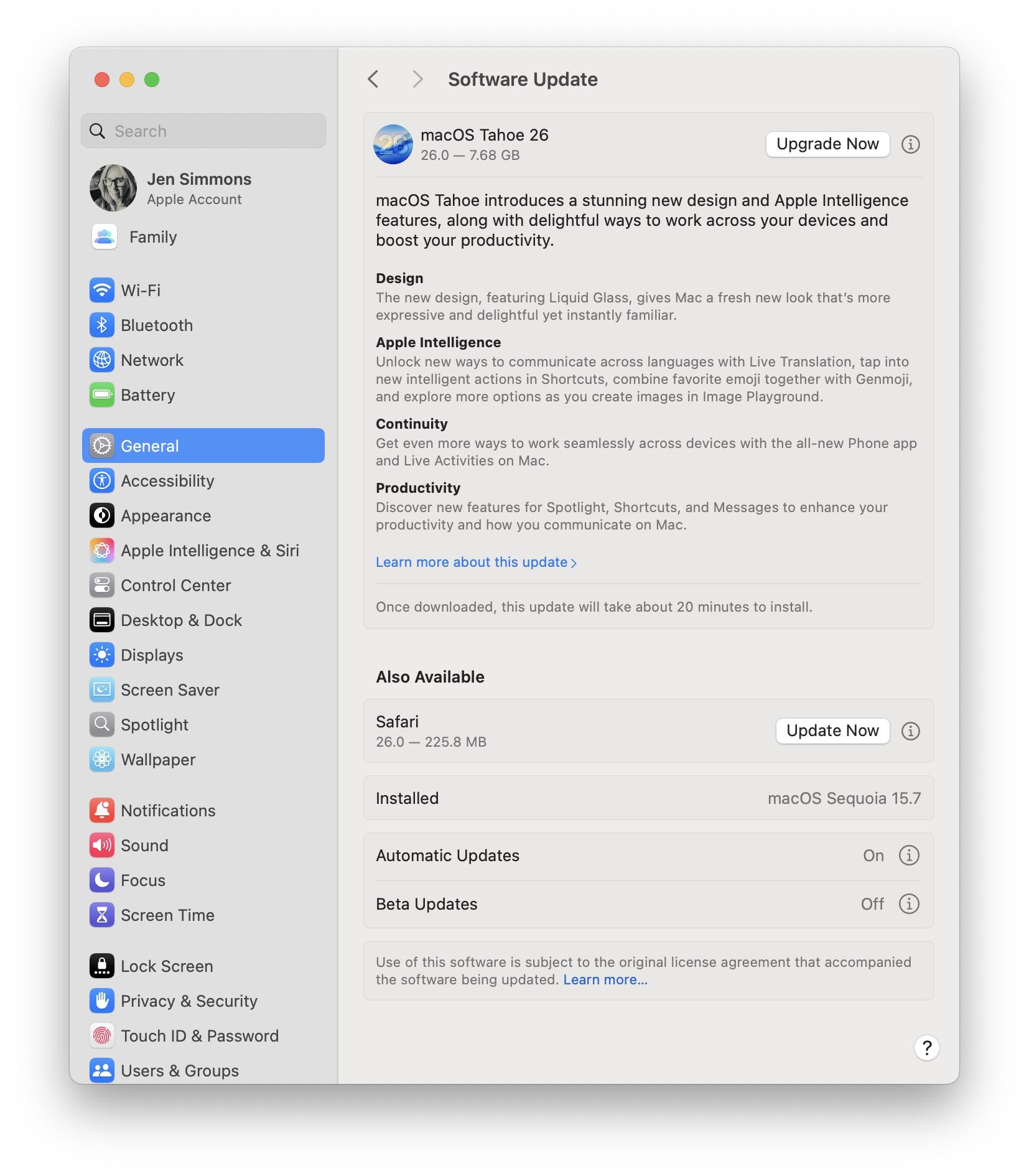
Did you know that on macOS, you can update just to Safari 26, while remaining on macOS 15 Sequoia or even macOS 14 Sonoma?
Go to > System Settings > General > Software Update. Under “Also Available” you’ll find Safari listed. Click “Update Now”.