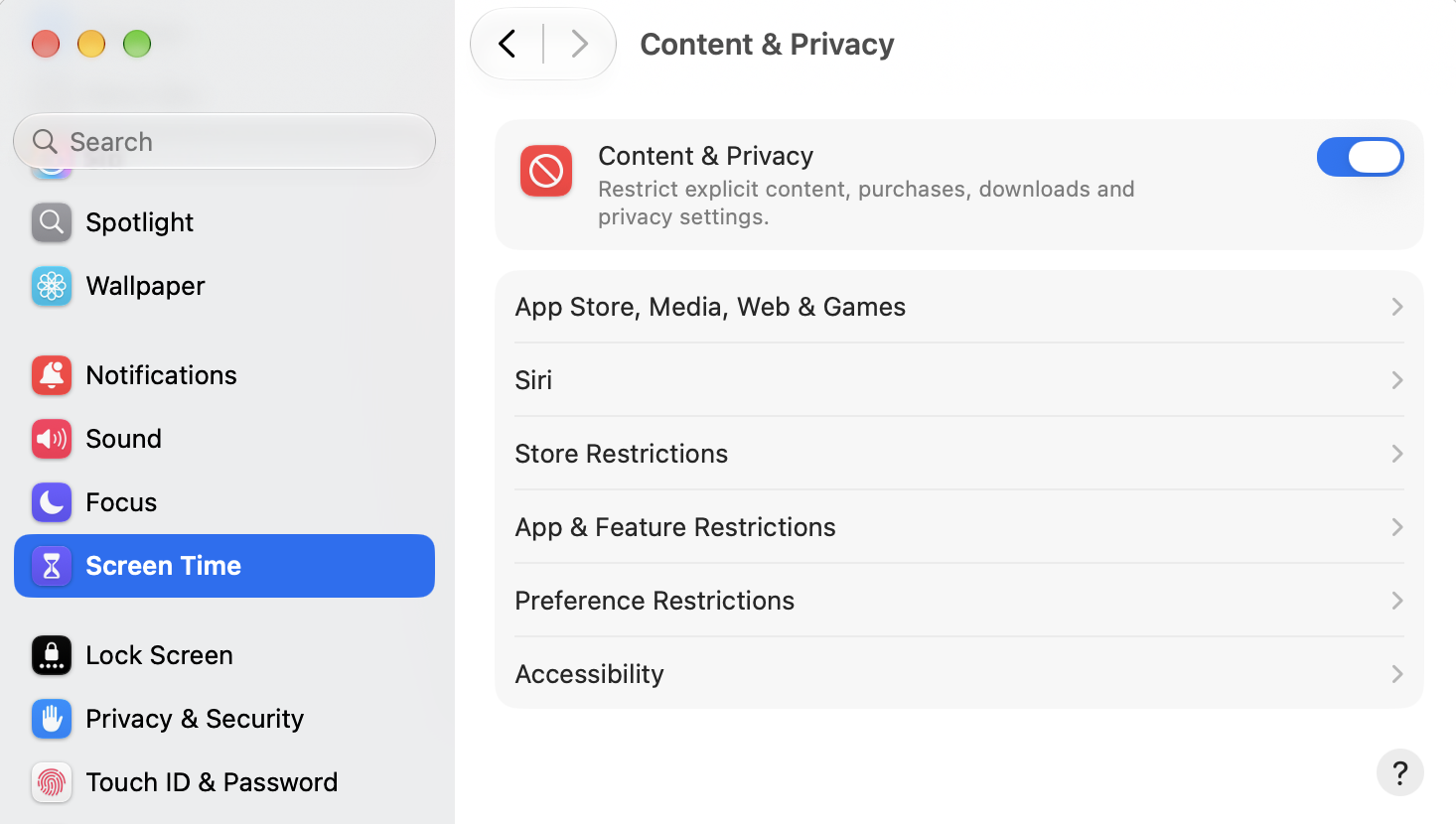
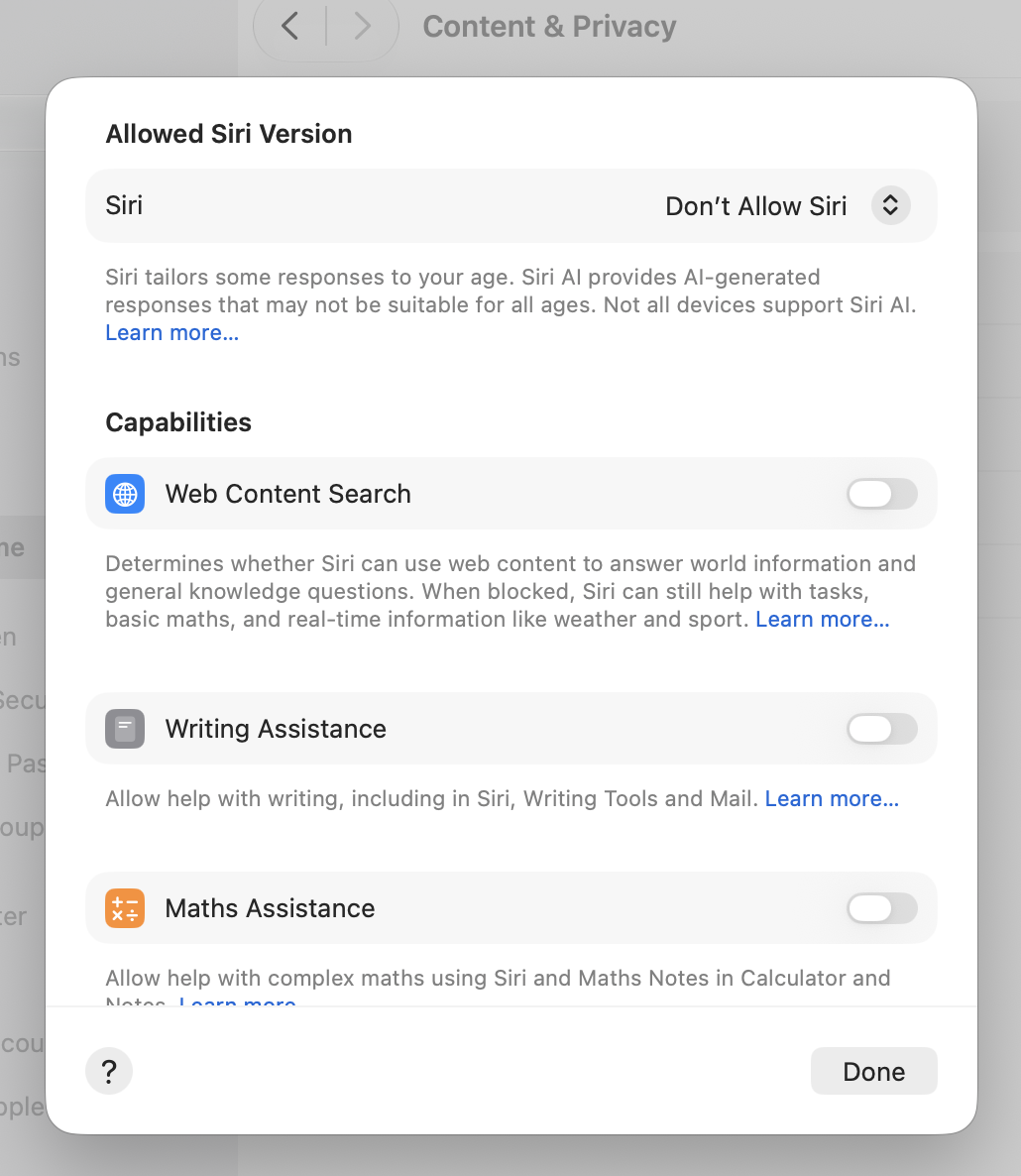
For MacOS users (in the EU): Go to Settings -> Screen Time -> Content & Privacy,...
Jan Wildeboer 😷:krulorange: @jwildeboer@social.wildeboer.net
For MacOS users (in the EU): Go to Settings -> Screen Time -> Content & Privacy, switch that ON to get access to the settings, go to Siri and now you can disable Writing Assistance and a bunch of other "AI" features. You can even disable Siri altogether. Why is it hidden there? I don't know.