If you use #Google Drive desktop, starting in July, it's been moving files to tr...
Paul Chambers🚧 @paul@oldfriends.live
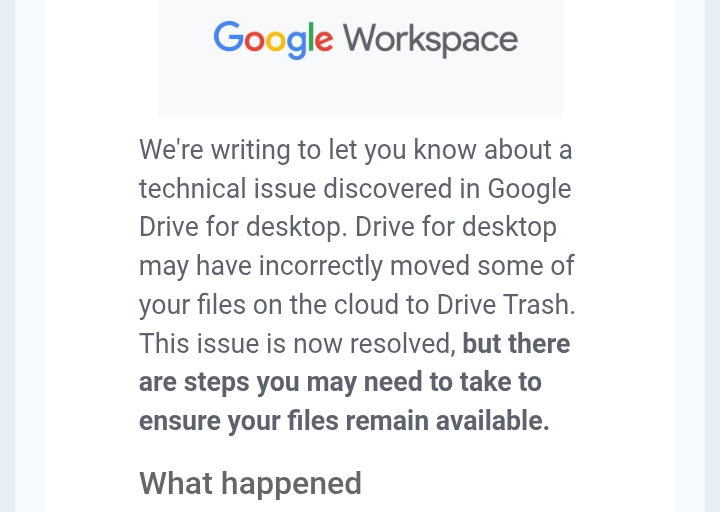
If you use #Google Drive desktop, starting in July, it's been moving files to trash in the cloud.
#Nextcloud or bust, baby!
From Google:
"What happened
Due to a recent technical issue active from approximately July 16, 2026 until August 17, 2026, Drive for desktop may have incorrectly moved some files on the cloud to Drive Trash.
If you were impacted, please be assured that this issue did not impact files on your local computer. Any impacted file you previously saved locally remains on your local computer.
How this was fixed it
We fixed the technical issue on the same day it was discovered.
We restored the affected files for any users who were active on Drive for Desktop and ensured that files would automatically restore for any inactive users once they ran the app again.
What to do
To ensure your files are properly synced and to retain secondary data, please take the following steps as soon as possible:
Wait to Empty your Drive Trash: Emptying your trash before running Drive for desktop could cause files to become unrecoverable.
Run the Drive for desktop application: Ensure you run (or keep running) the Drive for desktop client, as soon as possible. The application will automatically find impacted files and reupload them to the cloud. Please note that these reuploaded files will be assigned new URLs.
Inspect your Drive Trash: While running the app will automatically restore affected files, secondary data such as sharing permissions, approvals, and document comments may be missing. If you’d like to recover this data, you should manually restore the affected files directly from your Drive Trash as a copy by December 20, 2026. If your Drive Trash does not contain unexpected items, you’re likely unimpacted."