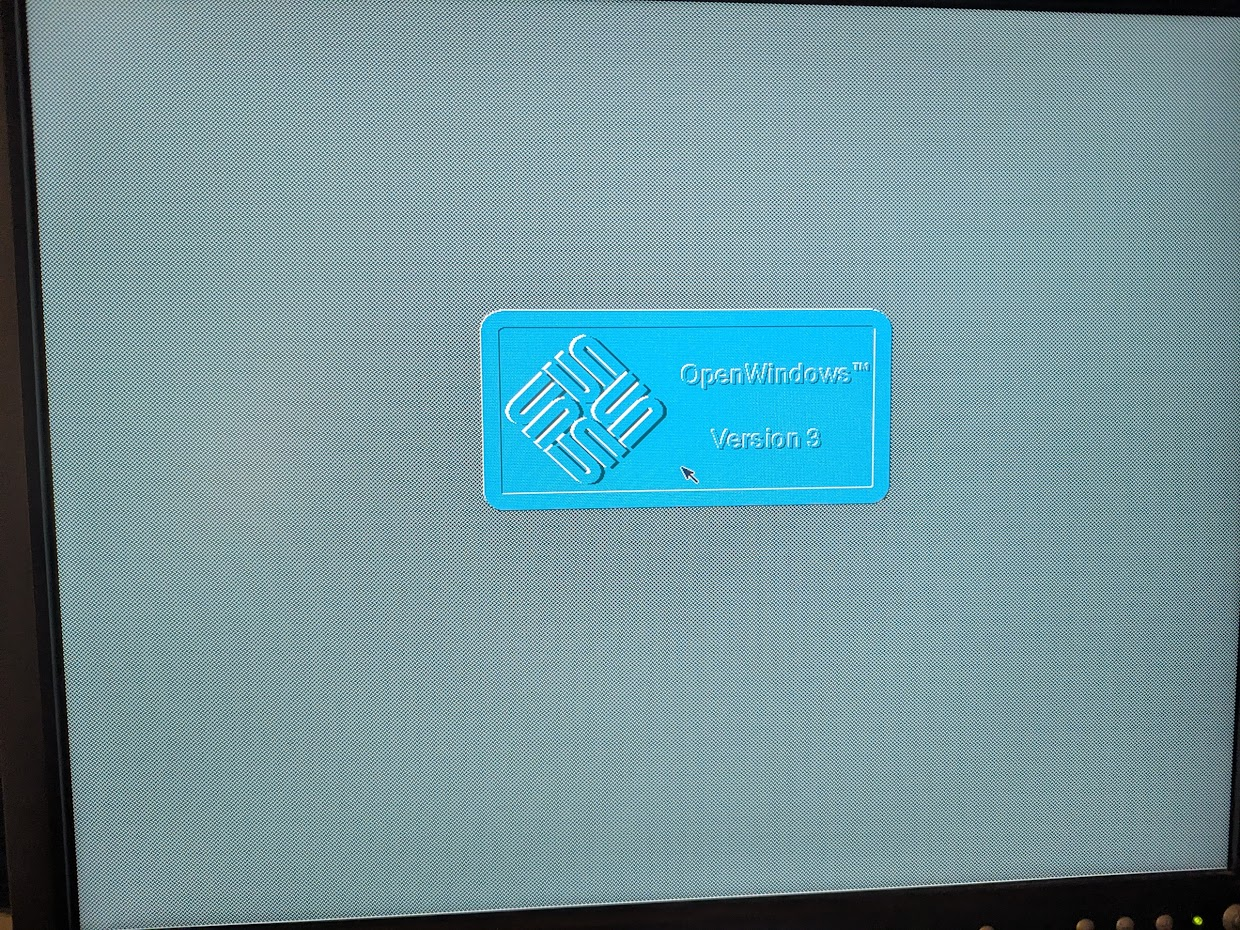
ok figured out how to boot the system with the NVRAM issue. hit STOP-A, then typ...
Tube🍂Time @tubetime@mastodon.social
ok figured out how to boot the system with the NVRAM issue. hit STOP-A, then type n, then type "boot disk" lol they simplified it so i don't need the whole sd(0,1,0) nonsense.